I had long thought about it, but I could never justify investing in a desktop PC.
Im better off buying a beefy laptop, I kept telling myself.
But I was wrong all along.
40% off TNW Conference!
Youll still have to do most of the legwork yourself.
I cant stress this enough.
For instance, sometimes itll make sense to splurge more on a CPU, while skimping on a GPU.
I ended up doing that myself.
That wont necessarily be the case for you, but you get my point.
The same goes for features.
One thing I wanted to do early on with my build is liquid cooling.
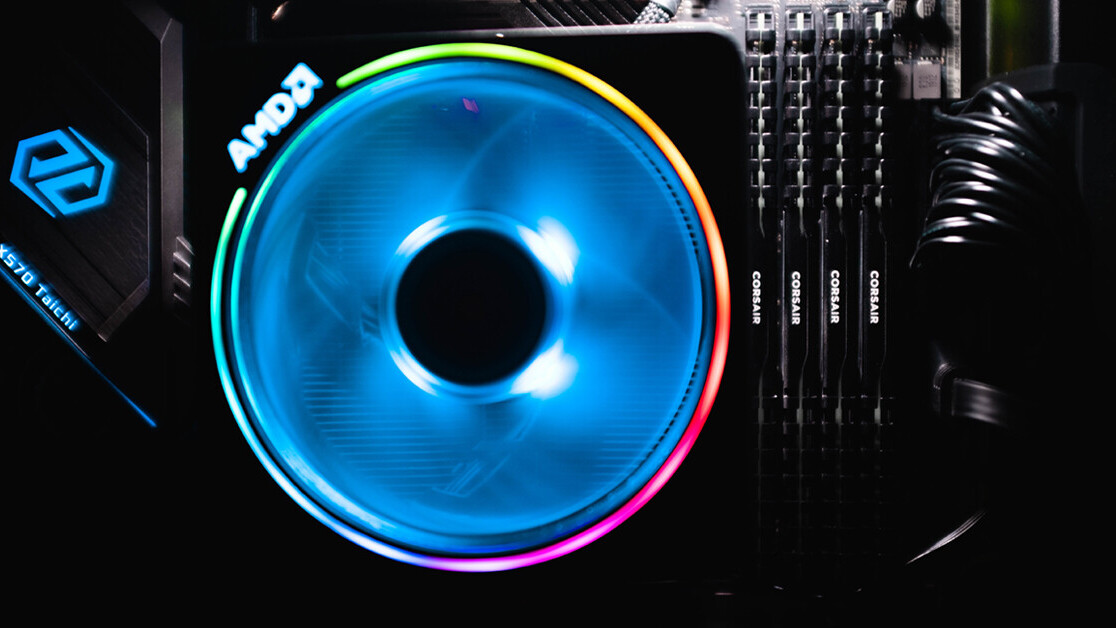
Personally, I went with an air cooler for peace of mind.
Picking the right parts
This is where things get serious.
TheBuildAPCand theBuildAPCForMesubreddits are great places to start.
For those unfamiliar, PCPartpicker is a comparison tool for PC parts its pretty popular on Reddit, actually.
It has a list of components that it’s possible for you to fill in one by one.
It also pulls up a ton of options for each component, including alternatives from different brands.
Once youve selected all parts for your PC, dont rush to order them right away.
It might be worth circling back to Reddit and getting a second opinion on your build fromBuildAPCandBuildAPCForMe.
Im gonna mess this up, you might be thinking.
A big part of the prep process is learning whatnotto do.
Really though, theres plenty of step-by-step guides to follow.
I watched a couple of walkthrough videos on how to build your first PC one fromBitwitand one fromKristoferYee.
They cover most of the essentials.
For the specifics, though, you will have to consult with your manual.
This is particularly true when it comes to installing the motherboard.
Youll find where each of these has to go in the manual.
Trust me, itll save you tons of time.
Another thing to remember is that not all slots on your motherboard are equal.
The same goes for storage drives, by the way.
Well, its not only for vanity.
Cable management is of the essence when it comes to the longevity of your machine.
Just a heads-up: You better stock up on velcro strips and twist ties, because youll need them.
One thing to keep in mind is making sure your cables arent in the way of your fans.
That way, youll avoid ventilation issues.
But if you didnt you better roll up your sleeves because troubleshooting might take a while.
The goal of this exercise is to identify whats stopping your PC from running as it should.
Still, you want to confirm something is broken before you send it back.
LinusTechTips has a video ontroubleshooting no-post issuesthat I found quite helpful.
One thing Id recommend when it comes to troubleshooting is to exercise patience.
You want to be thorough and remove (or add) only a single component at a time.
That way, itll be easier to identify the source of your technical difficulties.
No pain, no gain
Thats about it.
The important thing is to remain calm and seek a solution methodically.
My only advice in those cases is to avoid panicking.
Tell him everything you despise about his work onTwitter.
