In 2019, cybercrime cost businesses more than $2 trillion globally.
For too long, the user experience of password management has been ignored.
Its time for designers to rethink every aspect of password UX.
Much of our lives are digitally managed.
With so many accounts come problems.
Thats a lot of trust to place in online platforms.

If one app is hacked, all accounts are vulnerable.
The present-day password situation is frightening.
We might even think that passwords are developers responsibility.

Unfortunately, the password problem has a real business impact.
Frustration during signup leads potential users to abandon the process altogether.
[Read:Are EVs too expensive?

Is there anything designers can do to improve the situation?
As always, its important to have a picture of core users when planning a password experience.
Aim to strike a balance between:
Heres an example of what not to do.
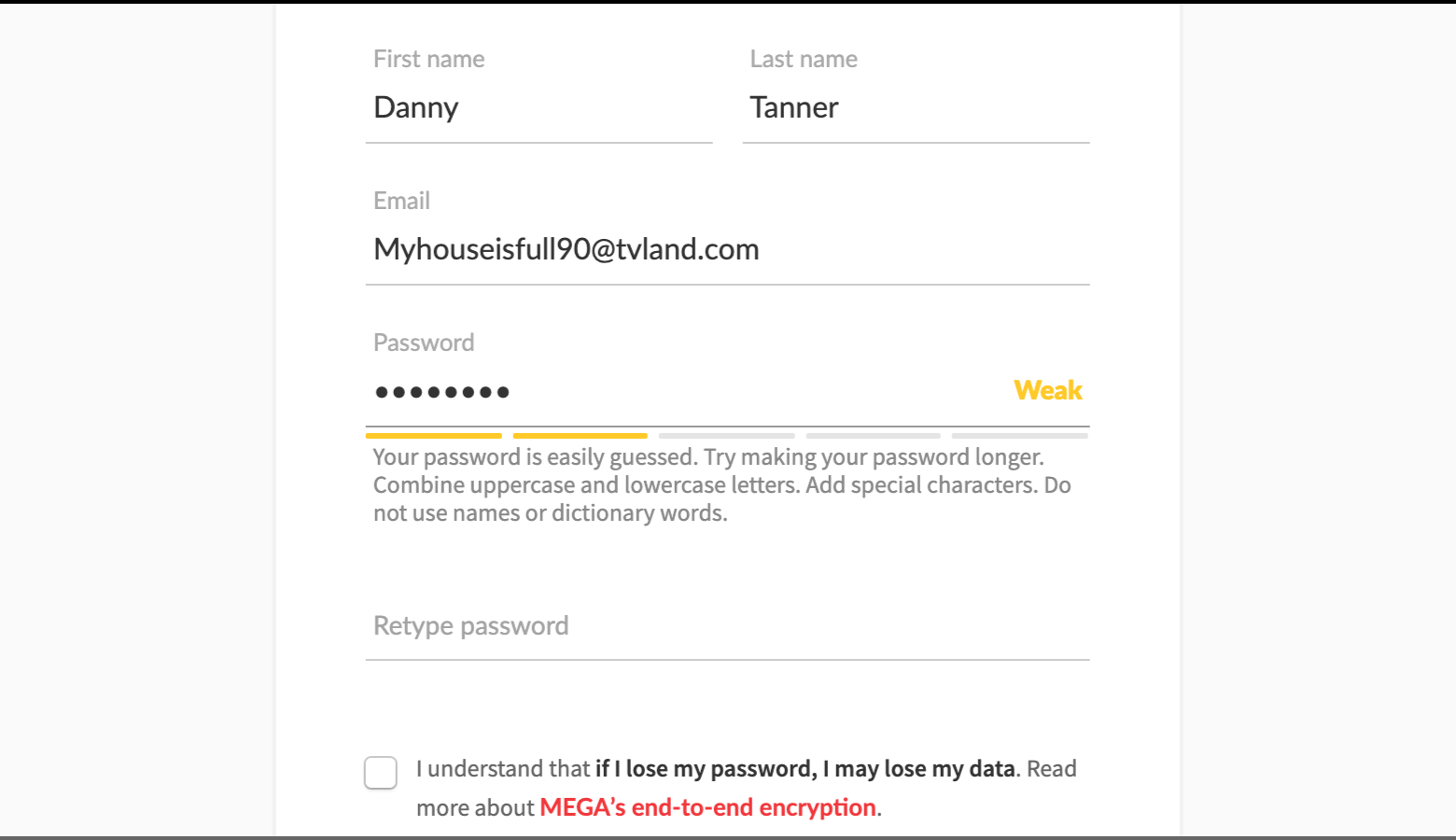
Dont use too many security rules
It ought to be easy to create a password.
Forcing users to adhere to a long list of requirements causes friction in the signup process.
Tell users why secure passwords are important
No one likes to follow rules or instructions without context.
Instead of impeding account creation, educate users about the dangers of identity theft and data attacks.
Typically, masking passwords doesnt even increase security, but it does cost you business due to login failures.
Jakob Nielsen
Allow users to see passwords by placingShow/Hideicons within password input fields.
Some sites default to unmasked input fields.
Along with clear password instructions, Maxwell Health utilizes easily identifiable Show/Hide icons with text labels.
Strength meters should be paired with thoughtful copy that communicates different levels of password effectiveness.

Along with copy, consider what colors will make an impact, but remember that color has cultural significance.
MEGA, a cloud storage provider, pairs informative copy with its password strength meter.
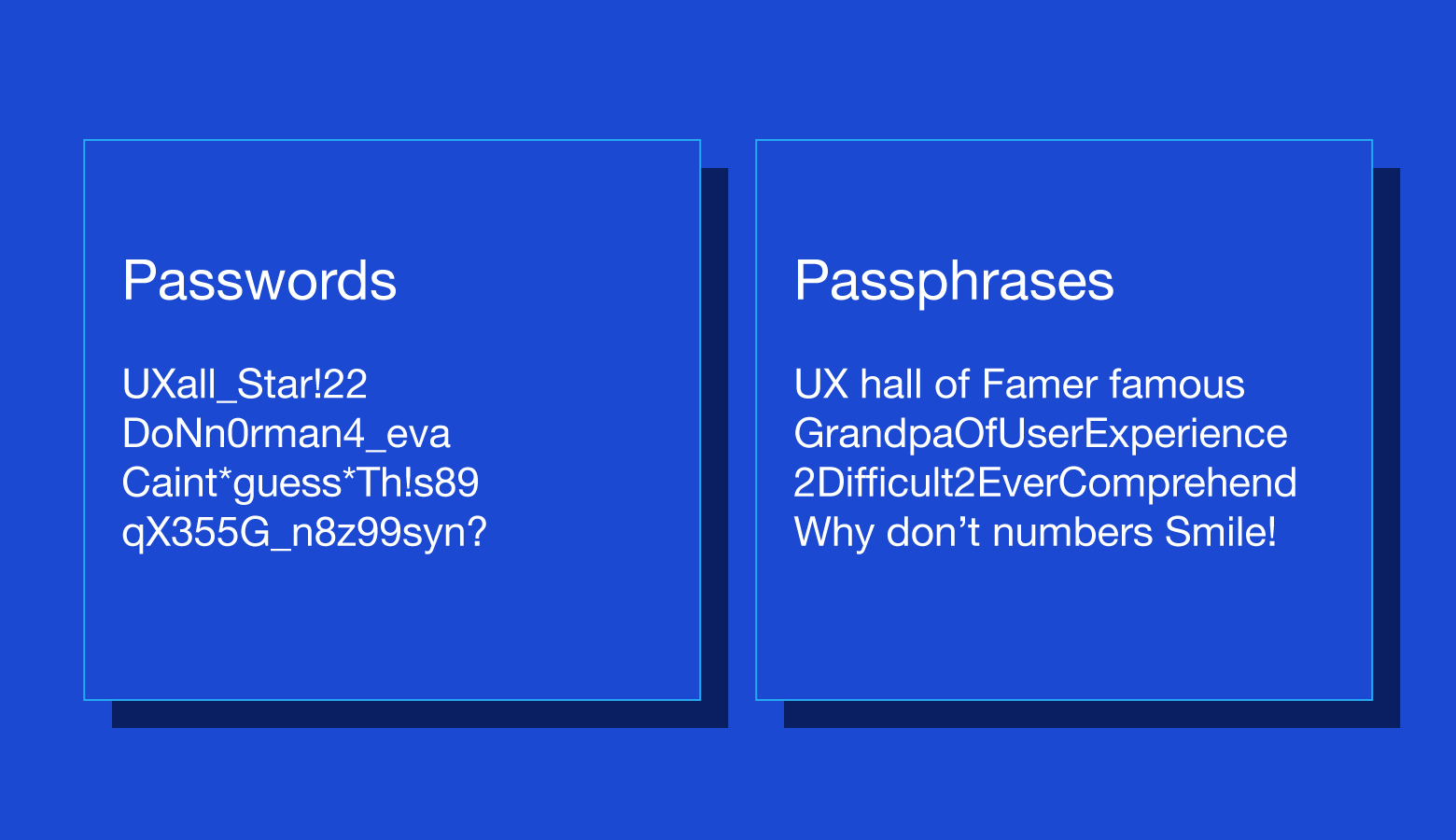
The greater the length, the more likely it is that a passphrase can endure abrute force attack.

The appeal ofpassphrasesis that theyre easy to remember.
Instead of something weak and forgettable likemyhouse5, a user might entermyhouseisawesomeandcozy.
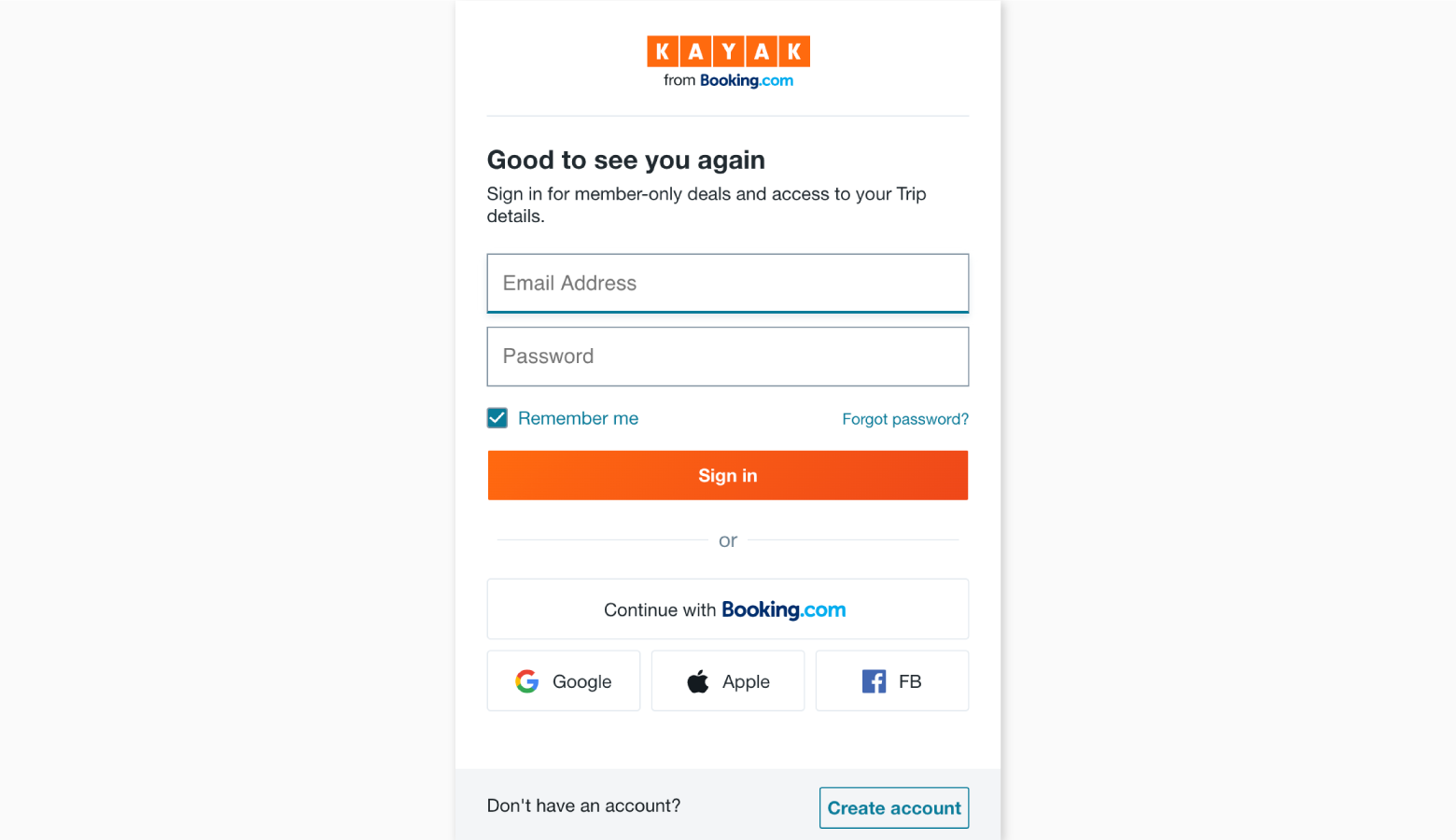
All users have to do is grant access to their SSO accounts.
Rather than creating more passwords, new Kayak users can choose from a handful of SSO providers.
Rather than entering passwords, users simply touch or glance at their devices.
Security increases because faces and fingerprints are difficult (though not impossible) to forge.
After entering usernames, users receive an onscreen message containing a PIN number.
This process also works with fingerprints and face recognition.
Email login works by sending time-limited links to users inboxes.
Slack and Medium have an email login feature called Magic Link that makes sign-on much more seamless.
Once Mediums email sign-on link lands in a users inbox, its only viable for 15 minutes.
), more companies are opting to use physical keys.
These cryptographic cards plug into USB ports and automatically enter single-use passwords in system sign-on fields.
One obvious drawback is the risk of losing hardware.
YubiKeys cryptographic security card plugs into USB ports and dramatically improves sign-in speed.
Asdesigners, we shouldnt settle for the status quo.
Were problem solvers, and there are multiple ways we can refine or completely rethink the password experience.
So youre interested in UX design?
Thenjoin our online event, TNW2020, to explore the latest trends and emerging best practices in product development.
