The termAccessibilitycovers a vast field of standards that comes with a confusing myriad of acronyms.
Web Accessibility Initiative (WAI) is seen by most as the standard in Web Accessibility.
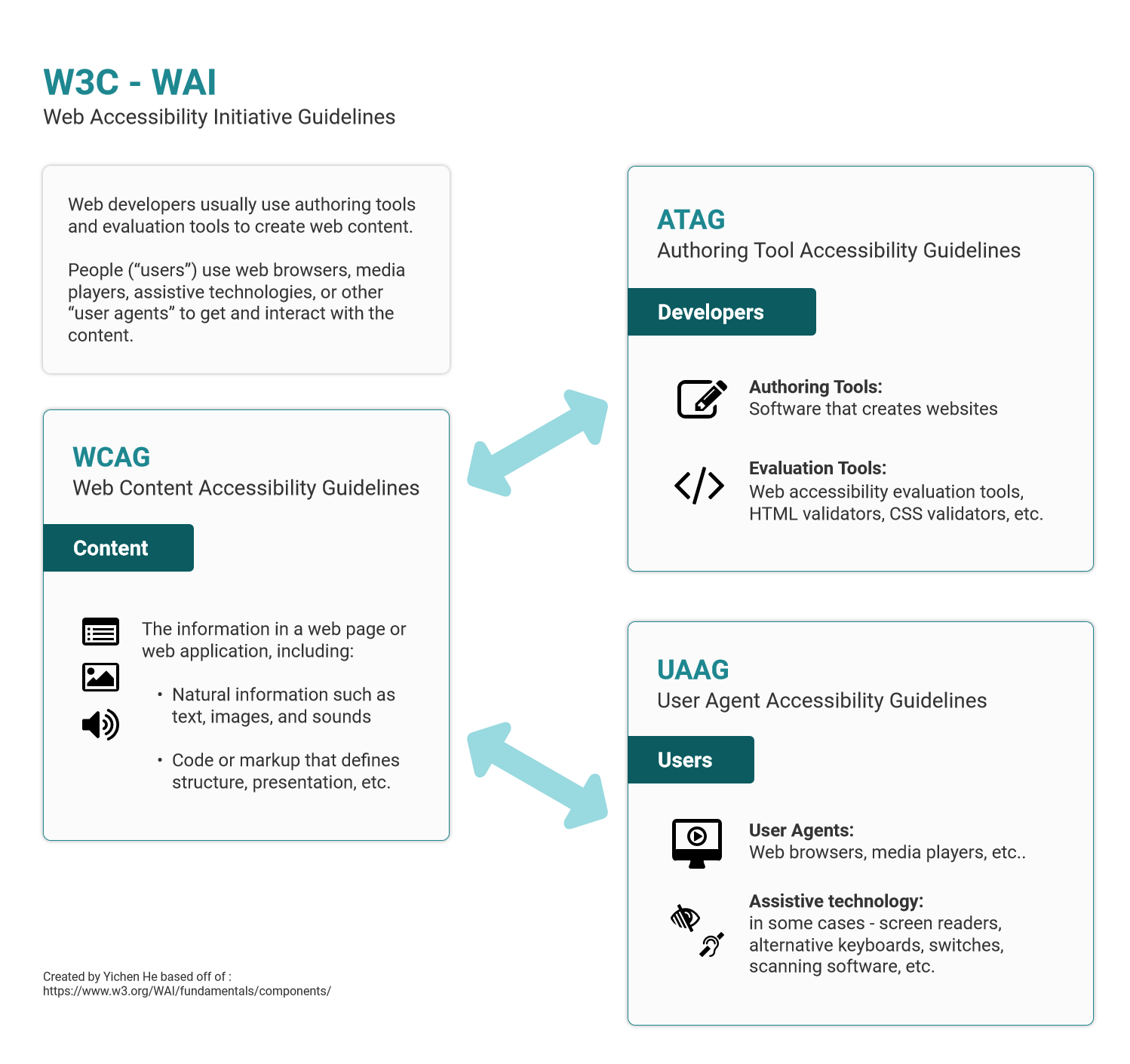
WAI made up ofthree primary components.ATAGfor development,WCAGfor content andUAAGfor users.

The websiteMUSTsatisfy this checkpoint.
Otherwise, one or more groups will find it impossible to access information in the document.
Satisfying this checkpoint is a basic requirement for some groups to be able to use web documents.
Level AA (mid-range)
Deals with the biggest and most common barriers for disabled users.
Website SHOULD satisfy this checkpoint.
Otherwise, one or more groups will find it difficult to access information in the document.
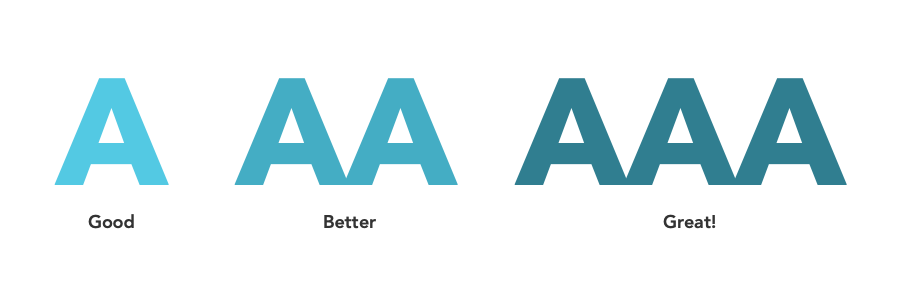
Satisfying this checkpoint will remove significant barriers to accessing Web documents.
Level AAA (highest)
The highest level of web accessibility.
A website MAY address this checkpoint.

Otherwise, one or more groups will find it somewhat difficult to access information in the document.
Satisfying this checkpoint will improve access to web documents.
This includes considerations for, proper labeling, consideration for different screen sizes etc.

Distinguishable:Make it easier for users to see and hear content including separating foreground from background.
This includes common UI decisions such as contrast and text size in addition to audio considerations like background noise.
Operable
Keyboard Accessible:Make all functionality available from a keyboard.

Enough Time*: Provide users enough time to read and use content.
This includes moving, blinking, scrolling, or auto-updating information as well as interruptions and time-outs.
This generally means limiting flashes and motion animation to below the approved threshold.

Navigable*:Provide ways to help users navigate, find content, and determine where they are.
This includes important UI decisions like information architecture, focus order, and proper titles, headers and labelling.
Input Modalities:Make it easier for users to operate functionality through various inputs beyond keyboard.
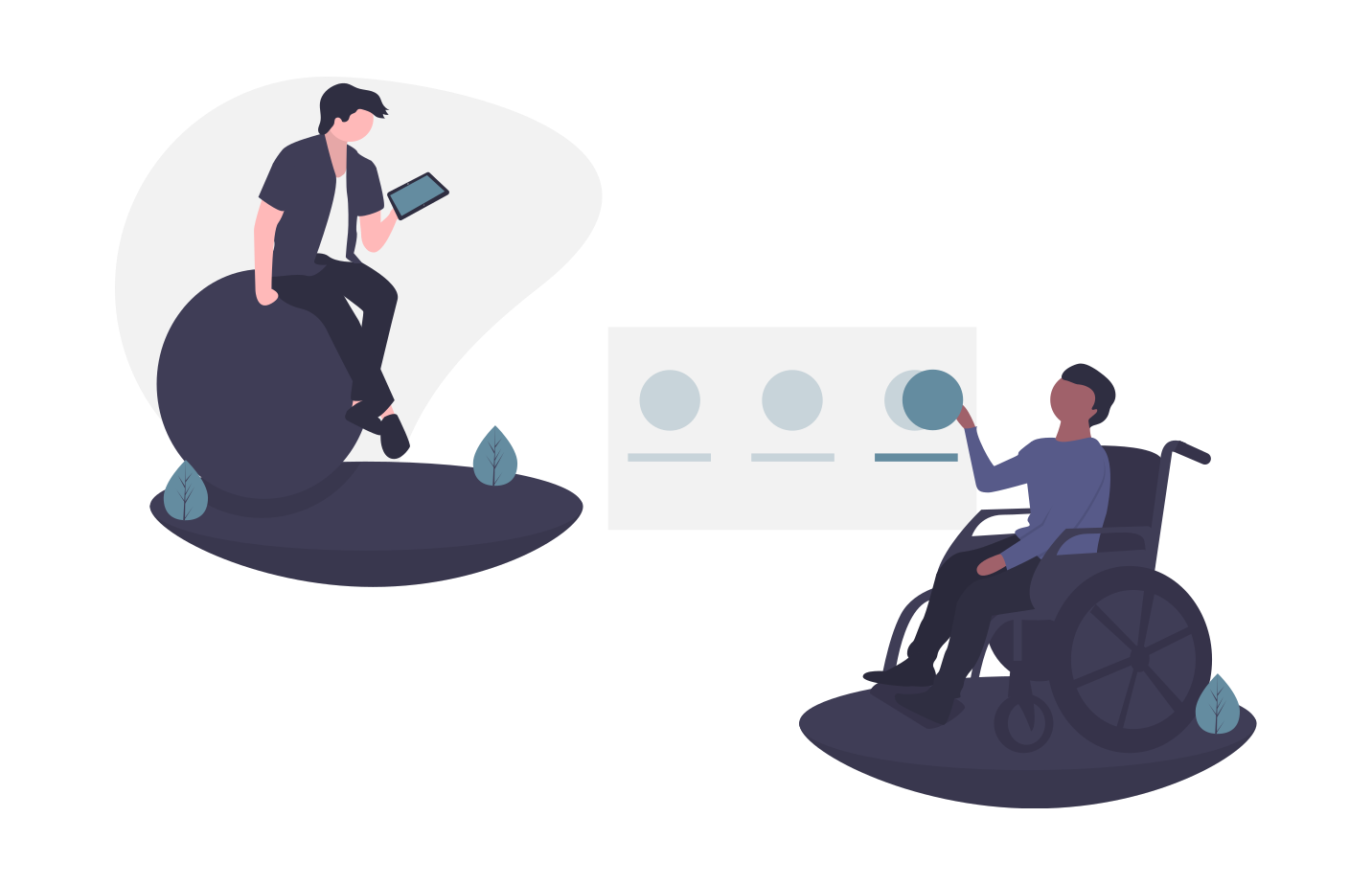
An example of this is consideration for the minimum size of touch targets.
Understandable
Readable*:Make text content readable and understandable.
Predictable*:Make Web pages appear and operate in predictable ways.

This includes predictable interactions from components and consistent form of navigation.
Input Assistance*:Help users avoid and correct mistakes.
This includes identifying input errors and providing helpful, timely and relevant instructions or suggestions.
Robust
Compatible:Maximize compatibility with current and future user agents.
UAAG documents explain how to make user agents accessible to people with disabilities.
Learning more about different assistive technologies andinteracting with their usersis a great place to start.
ThisMedium article by Timothy Whalindoes a better job than I at explaining how to get support for accessible design.
Open to all suggestions and feedback.
How do technical guidelines such as ARIA, ACT and EARL fit in?
Story byYichen He
Yichen is a UX consultant for enterprise software with a background in business.
