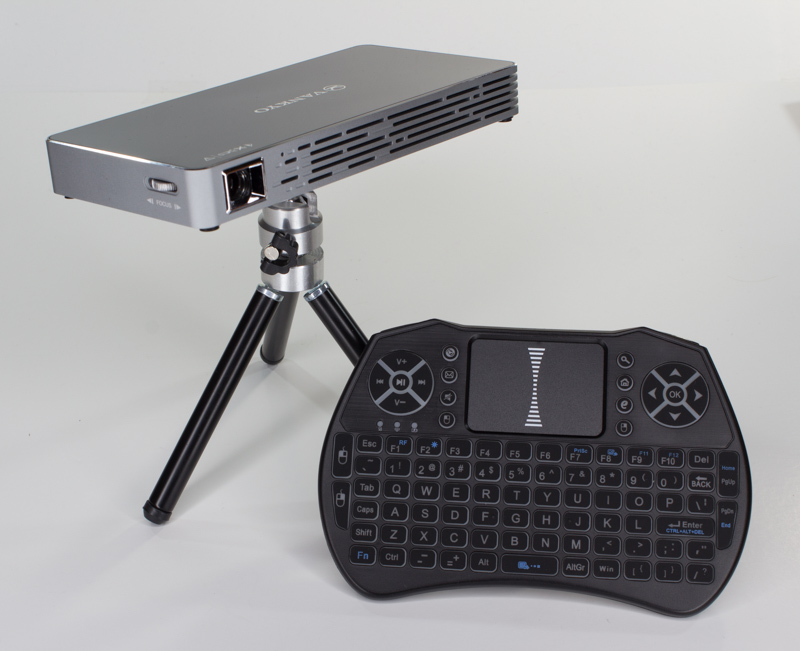
The Vankyo M50 Passport DLP mini-projector is an Android-powered gadget that can project onto just about any flat surface.
Its pocket-sized, so I smuggled a review unit home to see what it could do.
The M50 Passport is an immediately accessible gadget.
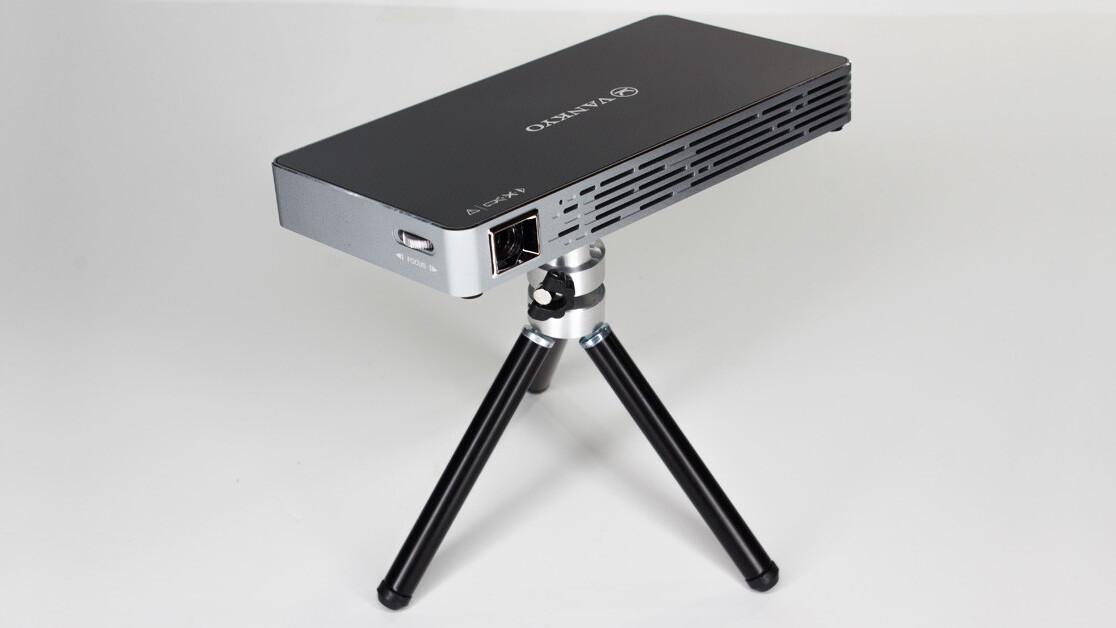
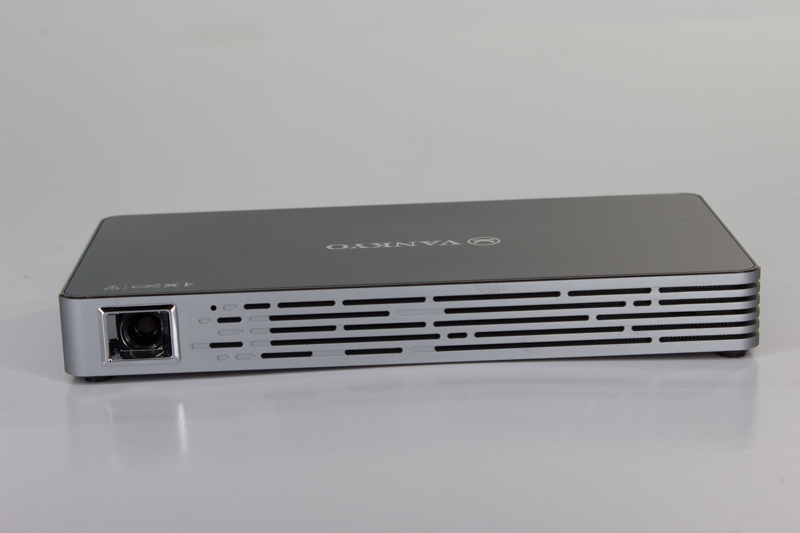
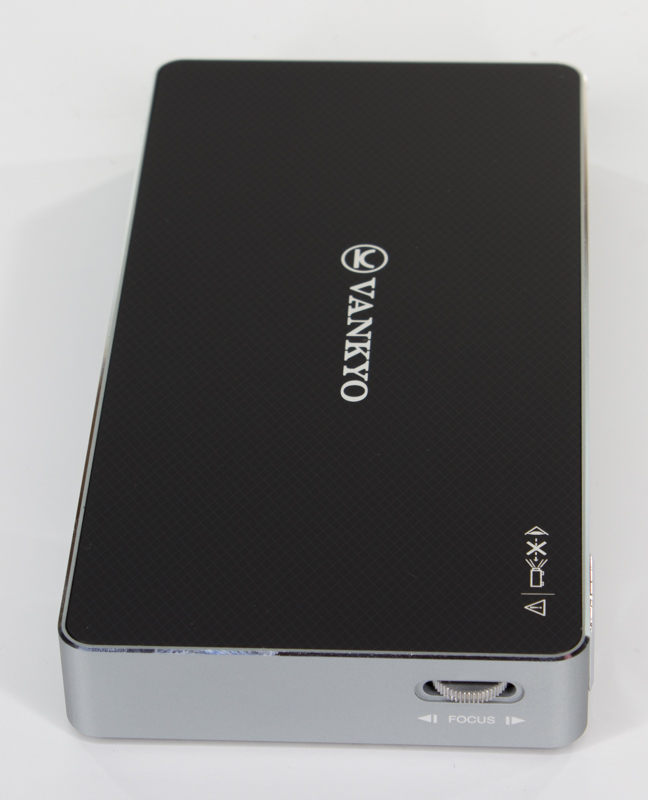
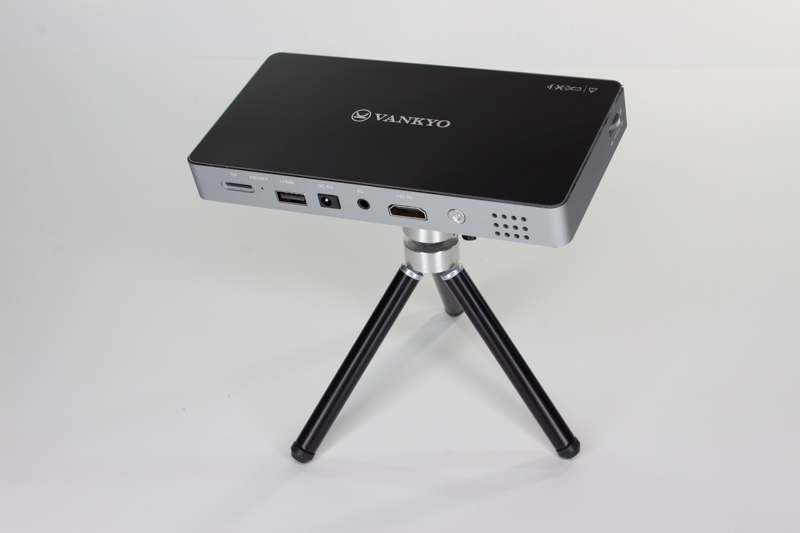
Its also quite fetching, especially compared to regular projectors.
Besides, youre supposed to look at the image, not the projector.
It’s free, every week, in your inbox.
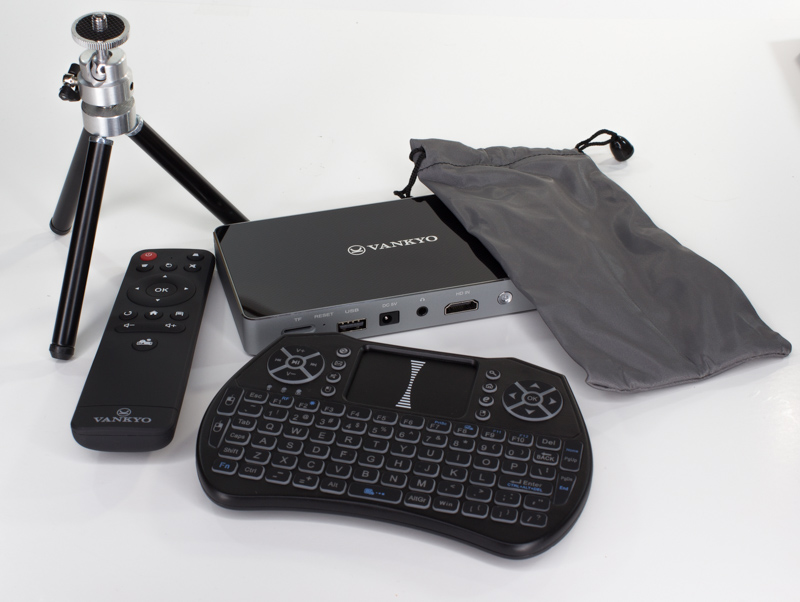
Interestingly, it ships with two remote controls.
One is a slim affair that reminds me of Amazons bare-bones remotes for its Fire TV sticks.
Its not elegant, but it does the job.
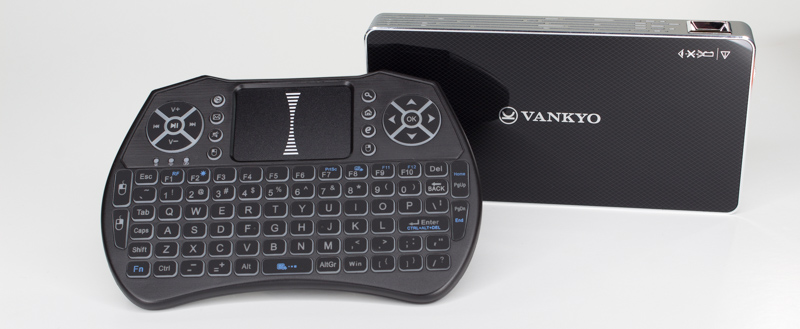
The second remote is as big as the M50 itself.
It has a full QWERTY keyboard and a touchpad.
But, it feels pretty cheap and Im probably only going to use it for the projector.

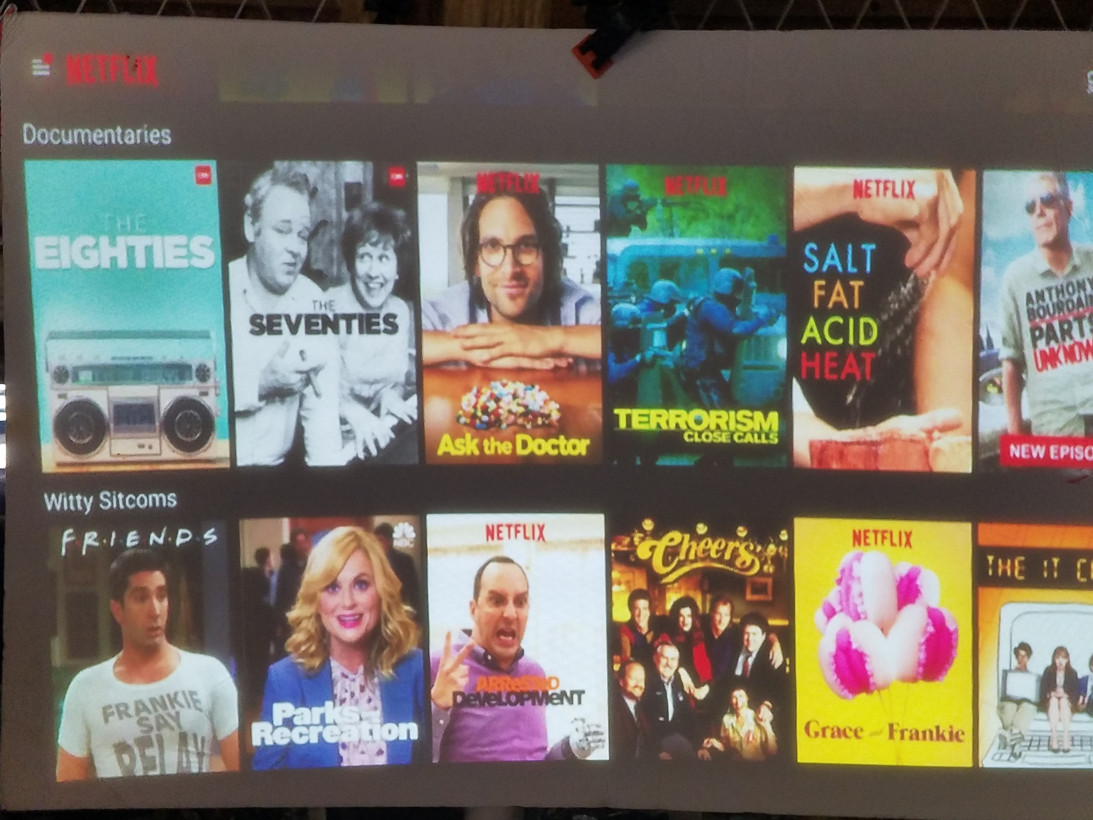
The picture created by the M50 is bright and clear, and thats the most important thing about it.
I was impressed with how bright the image was.
YouTube videos were clearly visible in broad daylight, even when projected against a dark surface.
In fact, shining it on anything even remotely screen-like worked perfect.
Heres what it looks like projecting Netflix onto a piece of construction paper.
Vankyo recently found its way onto Plugged when we reviewed the companysLeisure 410 LED projector.
The 410 is a fine projector for people who need a projector.
The M50, however, is a fine projector for people who dont.
I believe I was fair and honest when I reviewed the 410.

But I left out the fact that I dont really have a lot of use for it personally.
My walls are dark and I dont really have the space for the screen.
Its definitely something Id use, just not daily or even weekly.
The M50, on the other hand, I can see myself using quite often.
This makes it perfect for setting up impromptu slide shows with family and friends.
You dont even have to plug in any cables or cords if you dont want to.
Its internal speaker isnt anything fancy, but you could hear it.
Its become a date night staple for us.
There are a few issues with the unit.
I wasnt able to follow the included directions and use wired-USB screen-mirroring with my phones.
When connecting my devices its supposed to prompt me to download something, and that never happened.
Besides, the Wifi screen-mirroring works fine.
Theres an audio cable included, so its easy to connect it to a speaker that way.
Basically, the instructions and documentation for this product are terrible.
For example, the QWERTY remote comes with startup instructions and thats it.
These are minor quibbles though, because its really simple to turn the M50 on and start watching something.
You throw this in your back pack and pull it out wherever you feel like.
We like some products.
We dont like others.
